WebsiteChange

Website archive tools for the pages your team relies on

Someone always asks "what did that page say last March". WebsiteChange answers with a dated version, a full-page screenshot and the exact text. Our website archive tools keep a private record of the pages you watch, on the schedule you set, for as long as your plan keeps history.

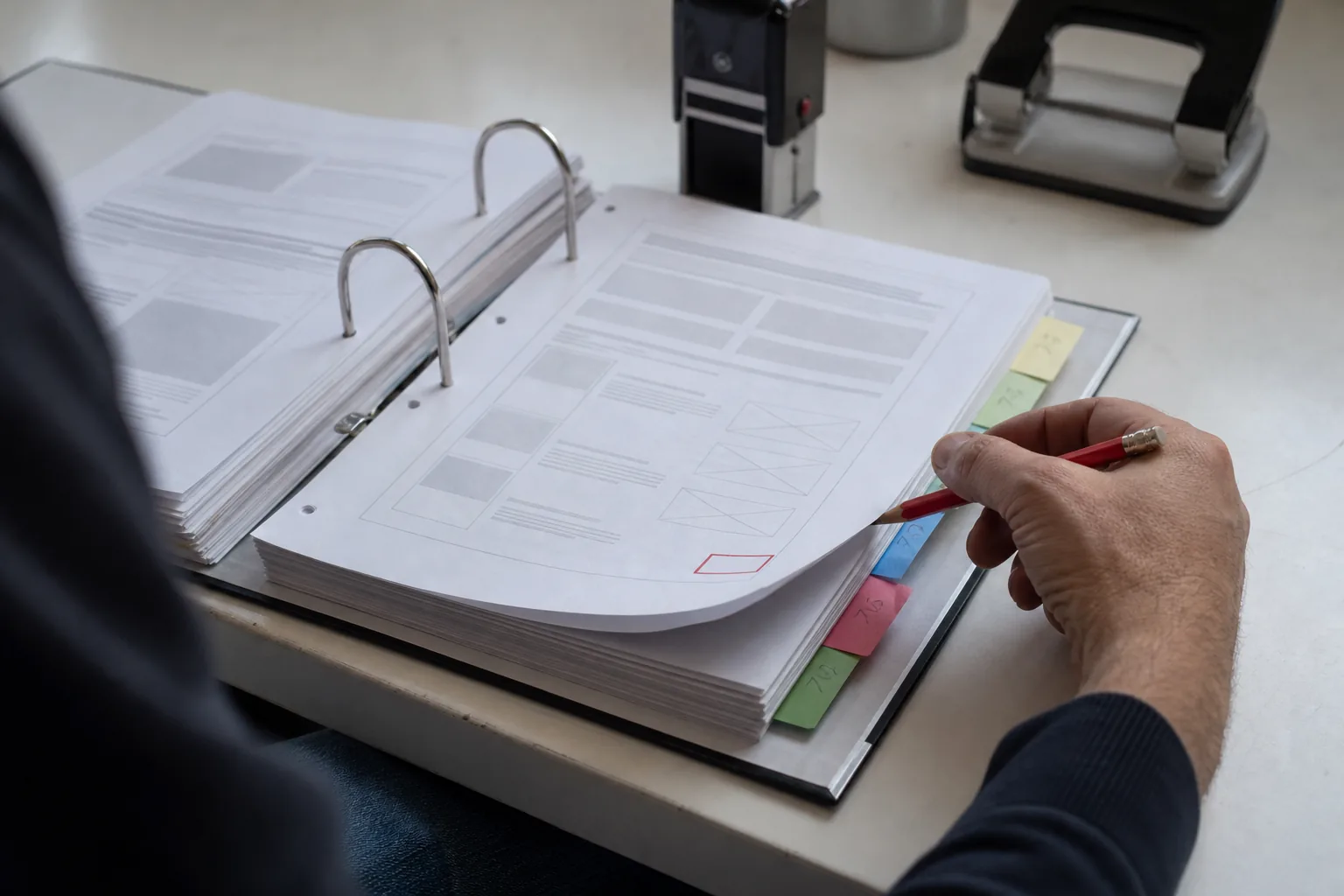
Open ring binder of printed web page versions separated by coloured index tabs on a desk, a hand with a red pencil lifting one page, a red ink stamp mark in its corner

Every version, dated and complete

Each time a check finds a real change, a new version is saved with:

Because versions are saved only when something real changed, the gap between two versions is meaningful too: it shows the page stayed the same between those two dates.

  • the date and time of the check,
  • a full-page screenshot,
  • the rendered text of the page or of the element you watch,
  • the HTML structure, including title, meta tags and links,
  • the text diff and the visual diff against the previous version,
  • the AI summary and importance score of the change.

Export CSV and PDF reports

Take the record out of WebsiteChange whenever you need it.

  • CSV export lists versions and changes with dates, monitors, importance and summaries, ready for a spreadsheet or a BI tool.
  • PDF change reports, on Growth and above, put the summary, the diff and the screenshots of a change or a date range into one document you can file or send.
  • The website change monitoring api returns versions, diffs and summaries for your own systems.

Retention per plan

Plan History kept
Starter 6 months
Growth 2 years
Business 5 years
Enterprise unlimited, with custom retention

You can delete a single version, a monitor or its whole history at any time. Deleted history cannot be restored, and deleting a monitor does not give back checks or summaries already used in the billing period.

An audit trail legal can rely on

Legal, compliance and procurement teams use history as a dated record of what a third party published. Each version shows when it was captured and what the page looked like, with the screenshot and the text stored together. On Business and Enterprise the audit log also records who in your workspace created, edited or deleted monitors and exports.

When a vendor changes its terms after you signed, or a competitor removes a claim it made in an ad, you have the version, the date and the screenshot in one place. Pair this with monitor terms of service changes to keep the record complete.

How this differs from public web archives

Public web archives are a valuable record of the internet, but they capture pages on their own schedule, may skip the pages you need for months and cannot be told to watch one element. They are also public, so anyone can see what was captured.

WebsiteChange keeps your pages on your schedule. You decide which URLs are watched and how often, the record lives in your private workspace, and every version comes with a diff and a summary instead of a bare snapshot. The two complement each other: use public archives for the distant past and WebsiteChange for the pages that matter to your work from today on. The page change monitor adds the screenshot view to each version.

Website archive tools questions

6 months on Starter, 2 years on Growth, 5 years on Business and unlimited on Enterprise, with custom retention on Enterprise.

Yes. Pick any two versions of the same monitor and see the text diff and visual diff between them. Comparing does not use checks or summaries.

Yes. Export versions and changes to CSV on every plan, create PDF change reports on Growth and above, and read versions through the API on Growth and above.

No. Your monitors and their history stay private to your workspace and are visible only to its seats.

Start your own record today

Every day you are not watching a page is a day missing from its history. Paste a public URL and capture the first version now. No card needed for the demo.